
Everything a classroom needs, in one box.
An eduLamp Box brings courses, quizzes and exams, Wikipedia, science simulations, maths tools and learning games to places with no internet and no phone signal. Learners join its Wi-Fi with an ordinary phone. Try it yourself: the online demos run the same software as a box in the field.
Real courses, on any phone
eduLamp Box is the learning space on every box. Learners sign up with a name and a PIN, pick a course and keep their progress, all without the internet. Burmese comes first, with English one tap away.
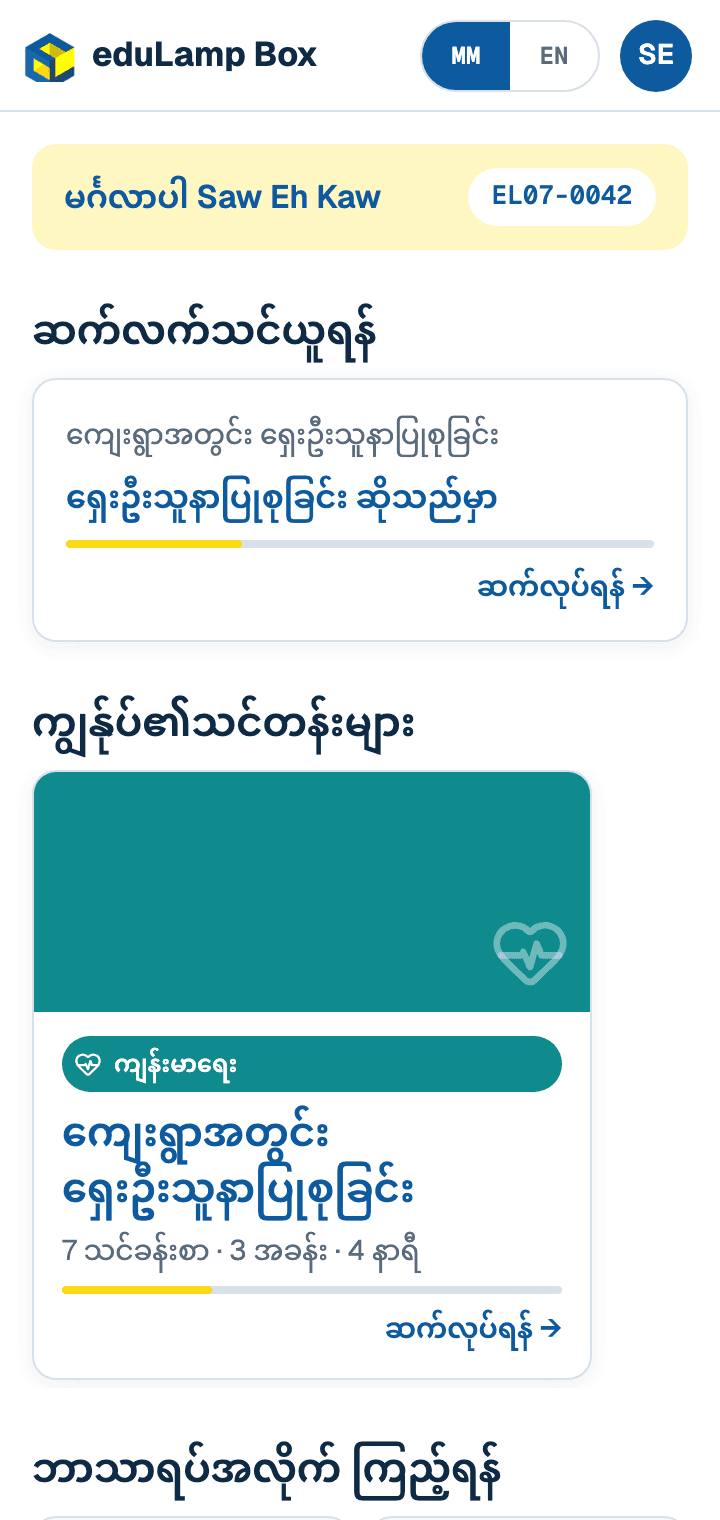
Courses in Burmese
Subjects, courses and lessons written for the communities we serve. Each learner sees where to continue and how far they have come.
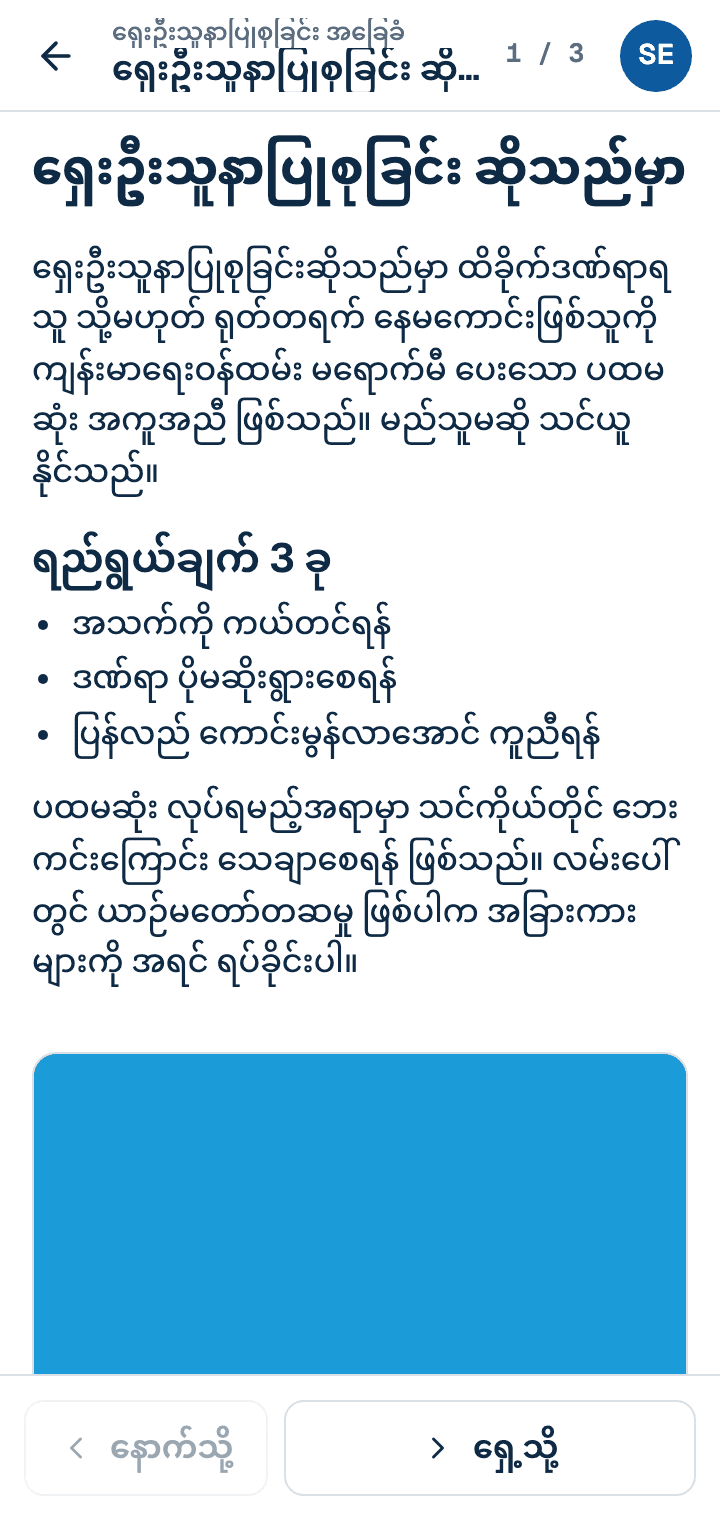
Lessons that work offline
Text, pictures, video, audio and PDFs, all served from the box itself, so a lesson plays even where there is no signal.
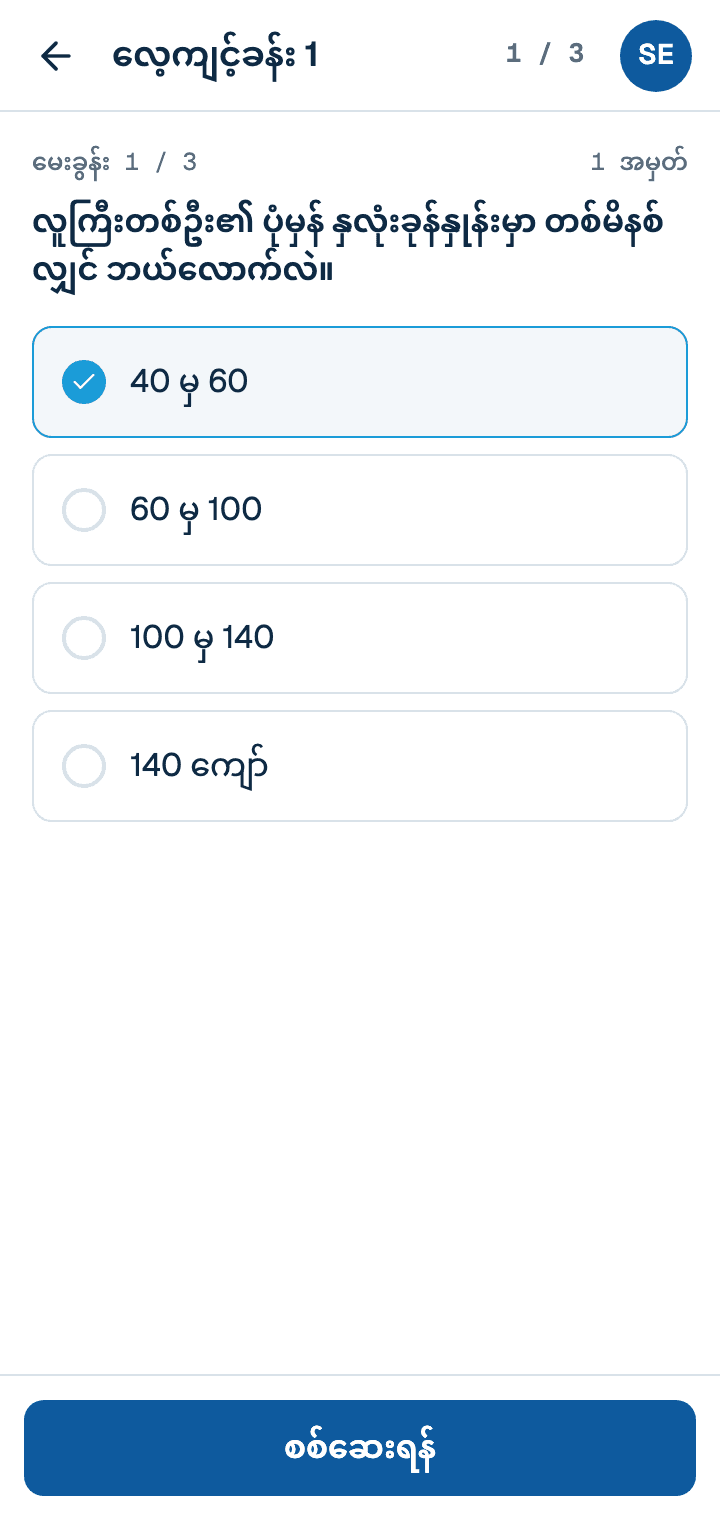
Quizzes and exams
Ten question types, from multiple choice to short answers and essays. Quizzes give instant feedback, exams can be timed, and written answers are marked by a teacher.
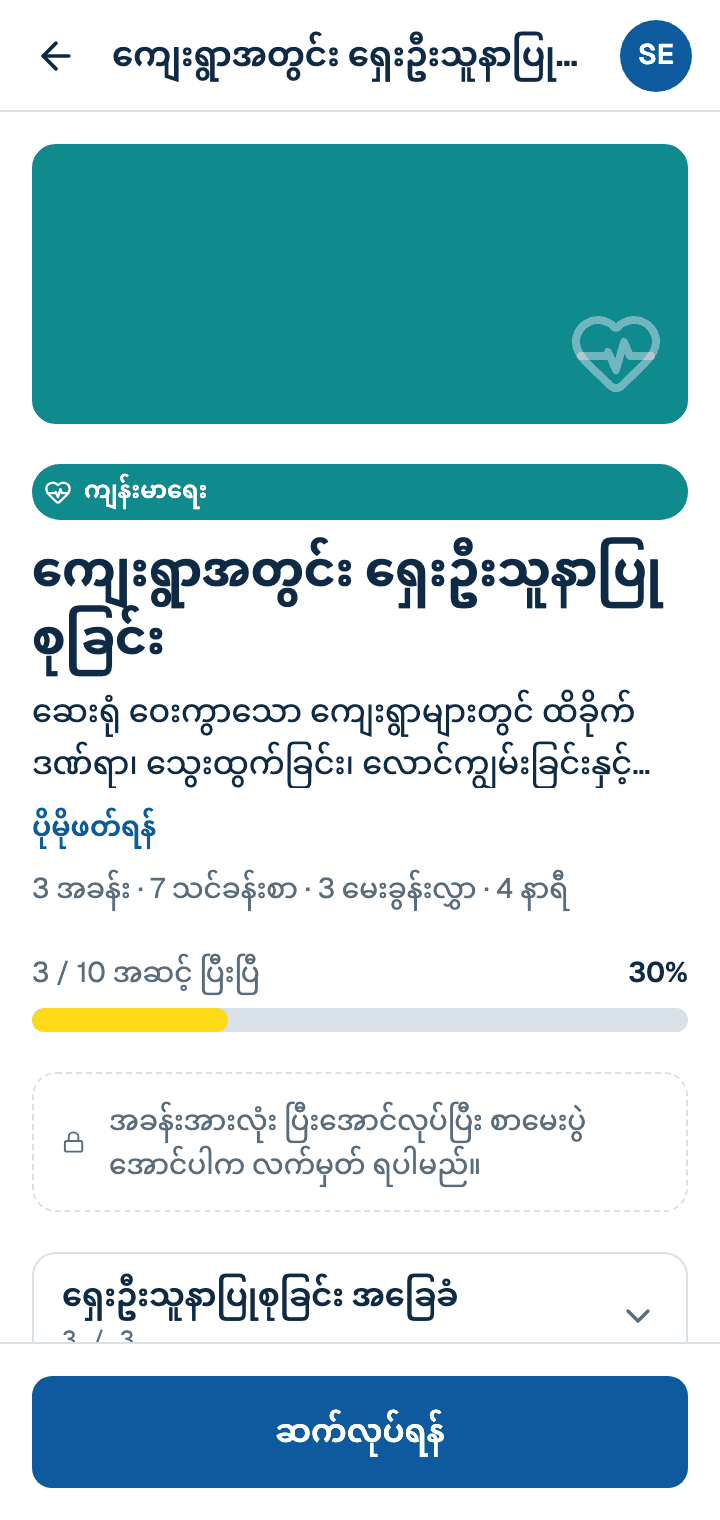
Progress and certificates
Learners see how far they are through each course and earn a certificate when they finish every module and pass the exam.
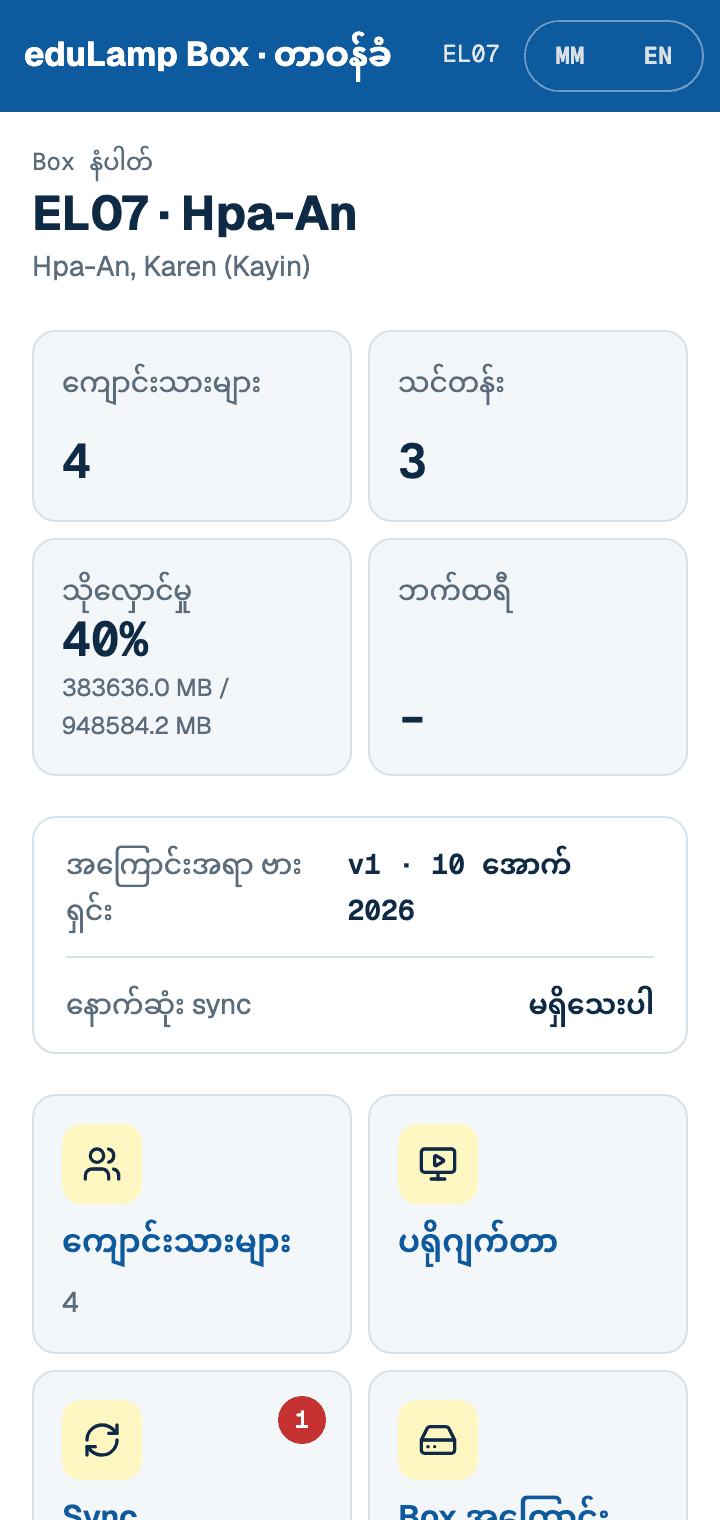
One operator runs the box
A local operator registers learners, resets forgotten PINs, puts lessons on a projector for the whole class, and syncs the box when a connection is available.
Teachers work online in eduLamp Learn
Courses are written and written answers are marked online in eduLamp Learn. Each box collects new content and sends learners' answers back whenever it can reach the internet.
eduLamp Home: the best of online learning, offline
Every box also has eduLamp Home, one front door to free tools that online learners take for granted. There is no account and nothing is recorded: what a learner reads or plays stays on their phone.
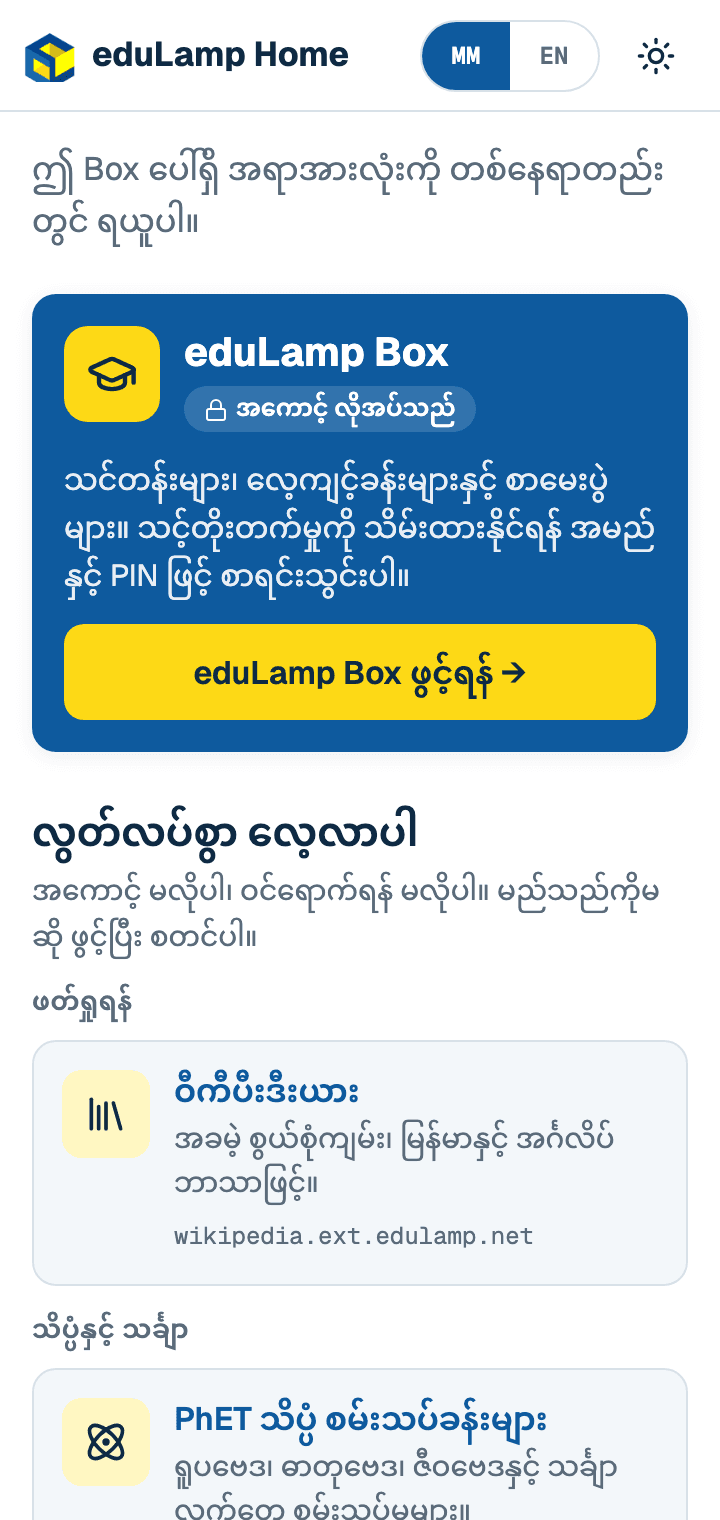
One front door
Learners open eduLamp Home on the box's Wi-Fi and find eduLamp Box and every tool on the box in one place.

Wikipedia in Burmese and English
All of Burmese Wikipedia with pictures, and every English article, searchable on the box with no internet.
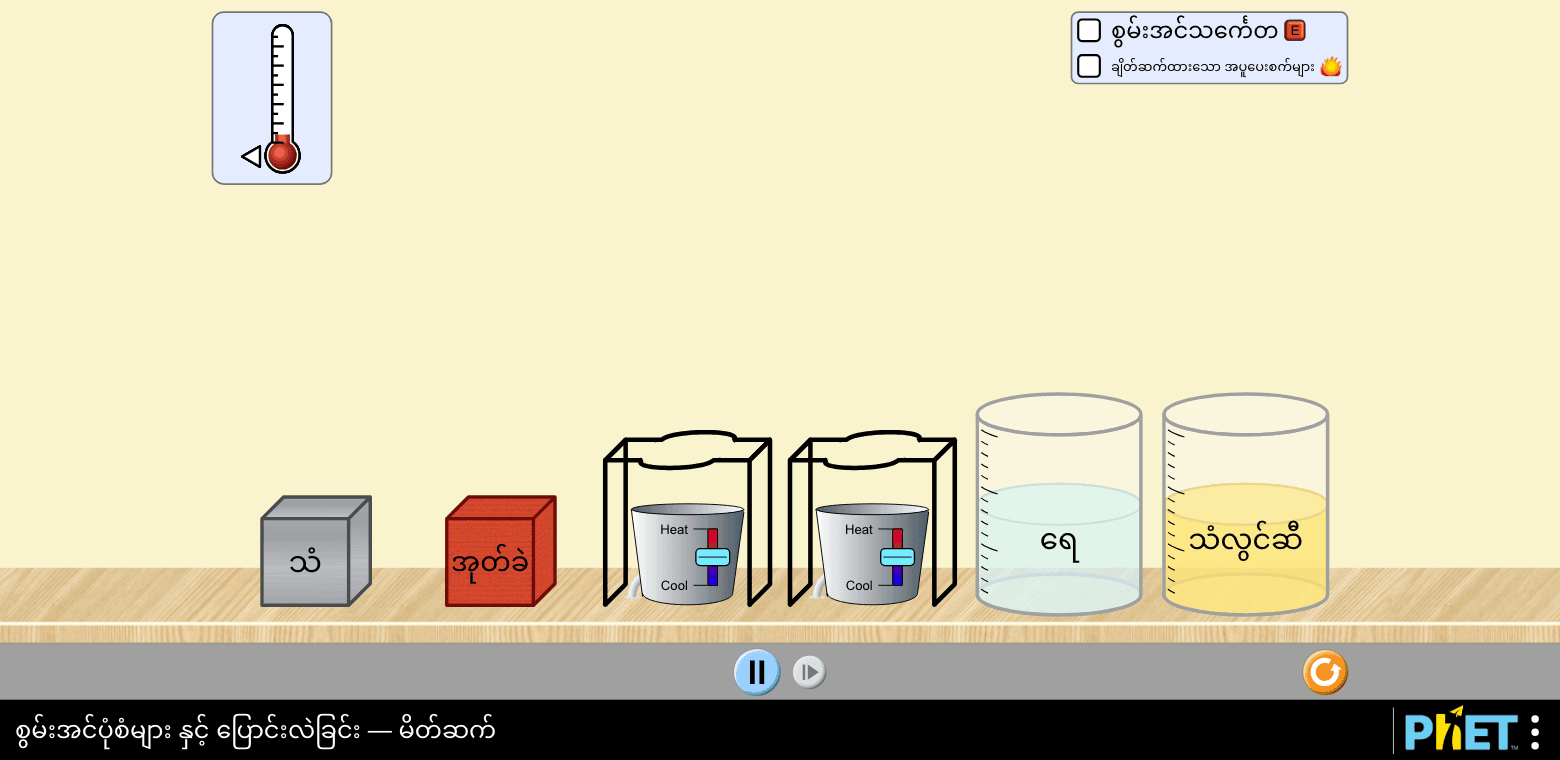
Science and maths simulations
All 120 PhET interactive simulations from the University of Colorado Boulder, 13 of them in Burmese: energy, forces, fractions, circuits and more.
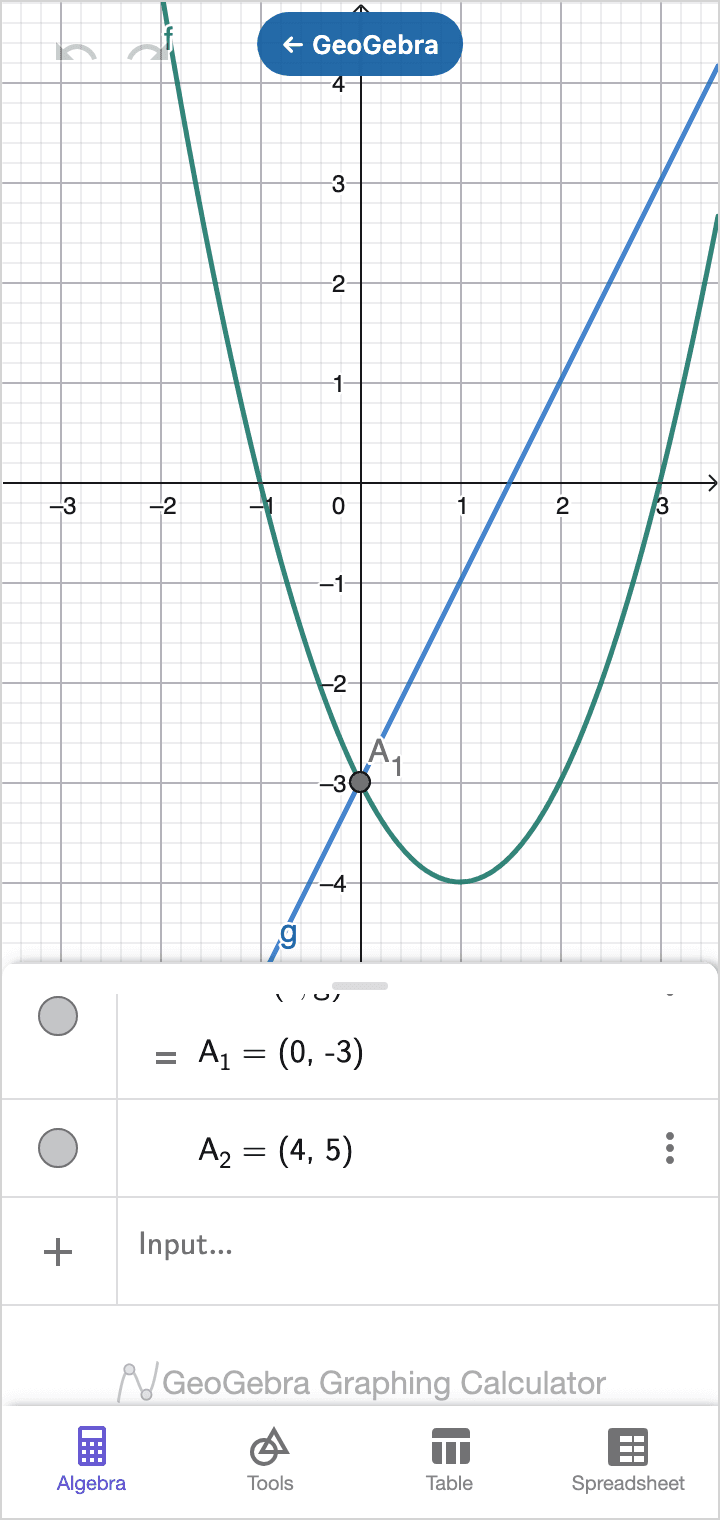
GeoGebra maths
Graphing, geometry, 3D, algebra and a scientific calculator: the same apps schools use online.
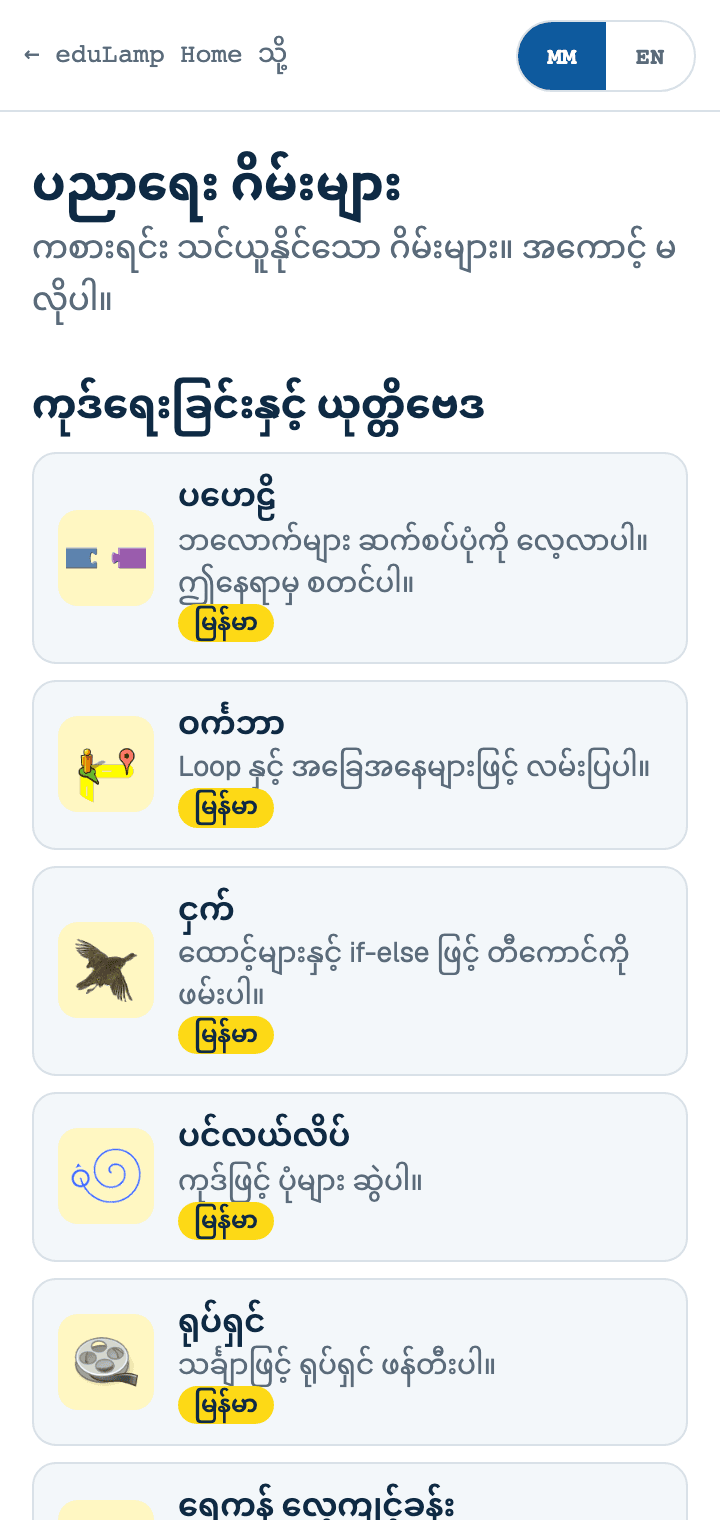
Learning games
Coding puzzles from Blockly Games in Burmese, maths and science games from Sugarizer, and PhET's own games.
The box itself
A small, low-power computer that turns any room into a digital classroom. It needs no internet, no phone signal and no technician.
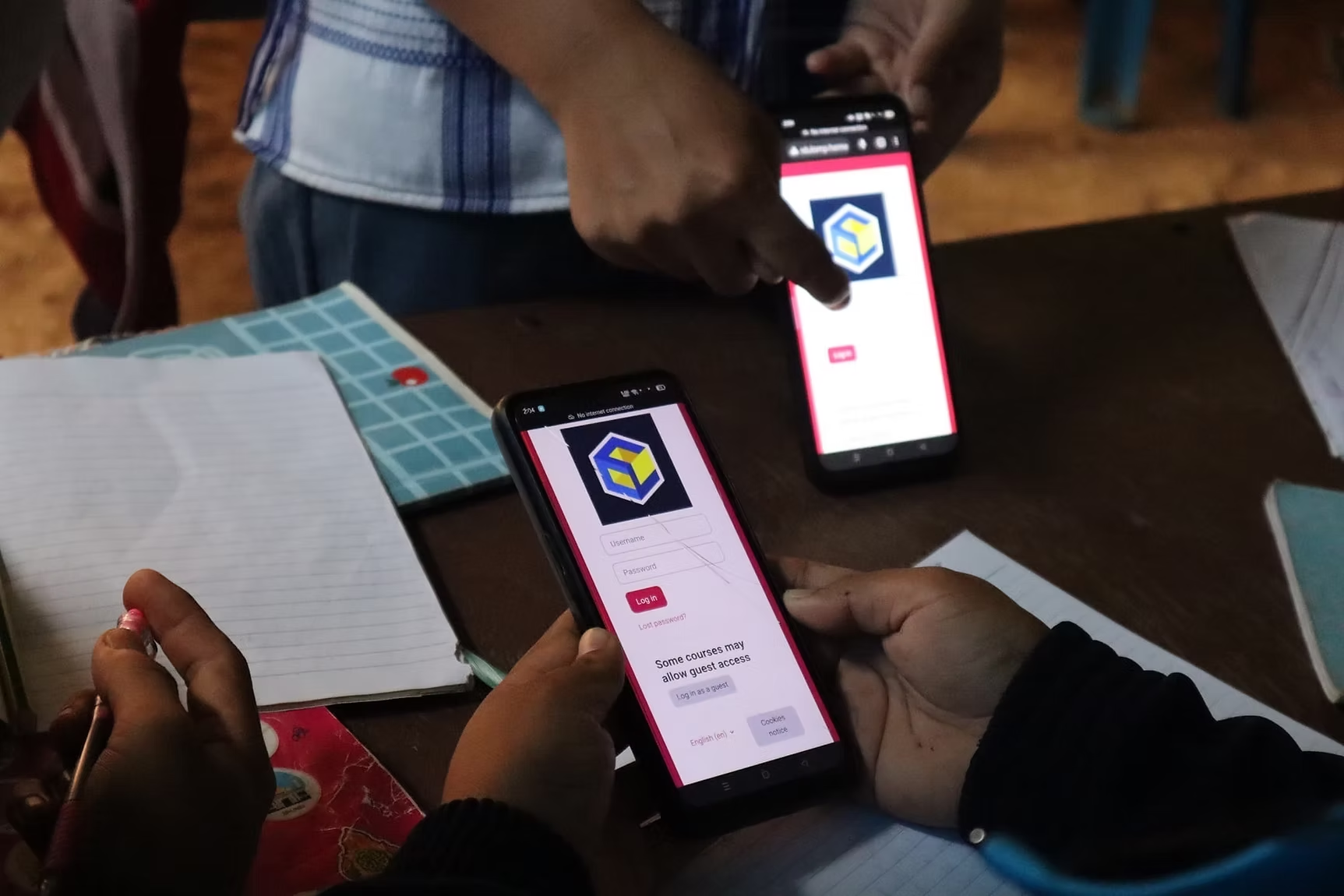
Its own Wi-Fi
Switch it on and the box makes its own Wi-Fi hotspot. 15 to 20 learners join at once with the phones they already have, with no app to install.
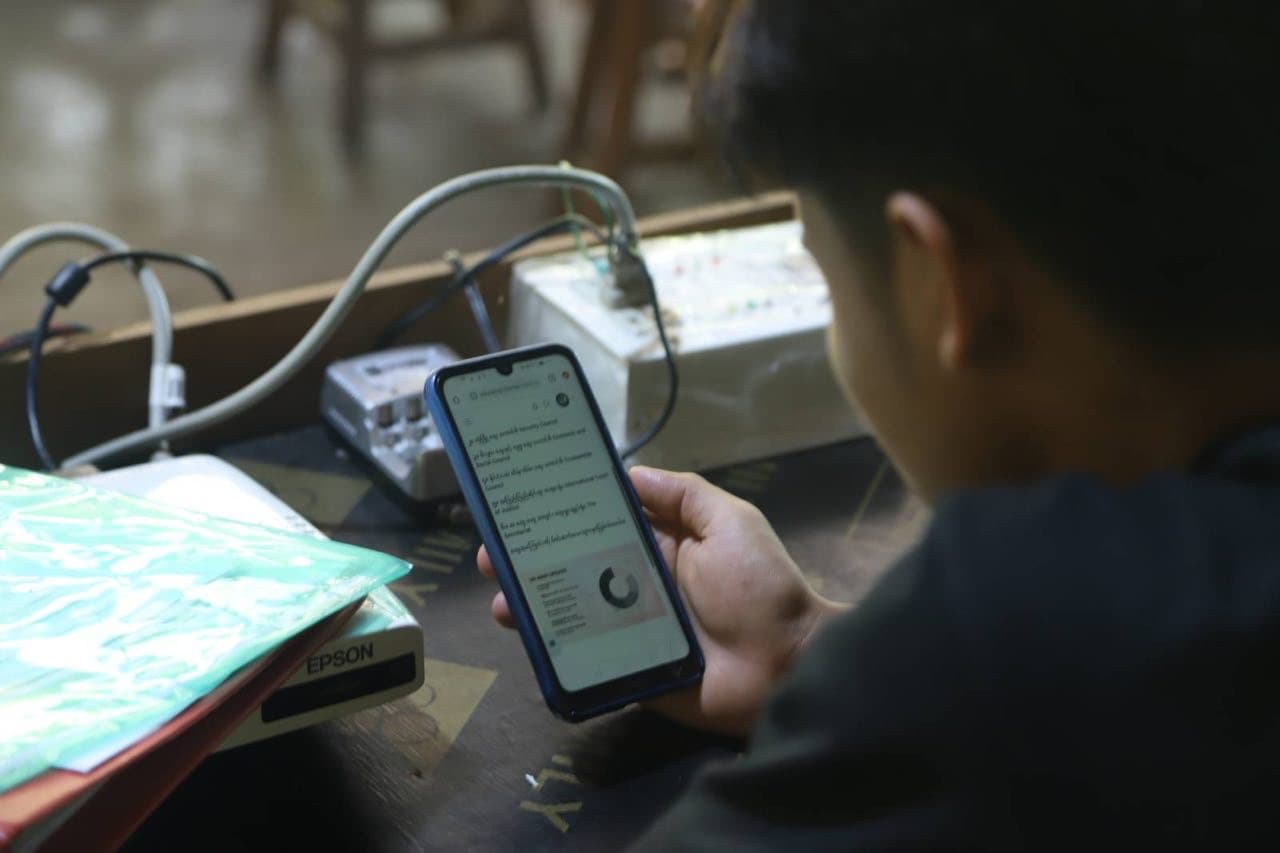
No internet, no signal
Everything lives on the box: courses, media, Wikipedia and the tools. It works where the internet cannot reach and syncs when a connection comes by.
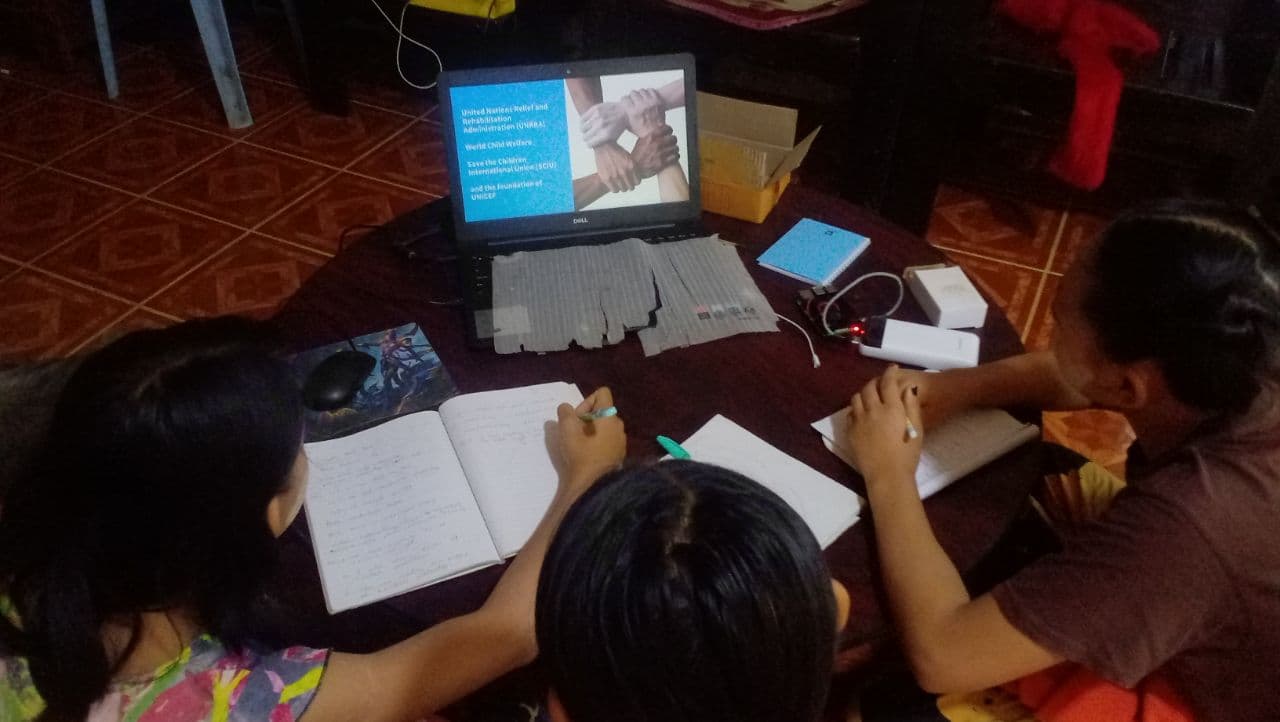
One box, one classroom
A Raspberry Pi class computer that runs from mains, battery or solar. Plug in a projector and a whole community can learn together.
See it for yourself.
Try the live demos, talk to us about bringing a box to a community, or help us send the next one.